正在确认阅读权限…
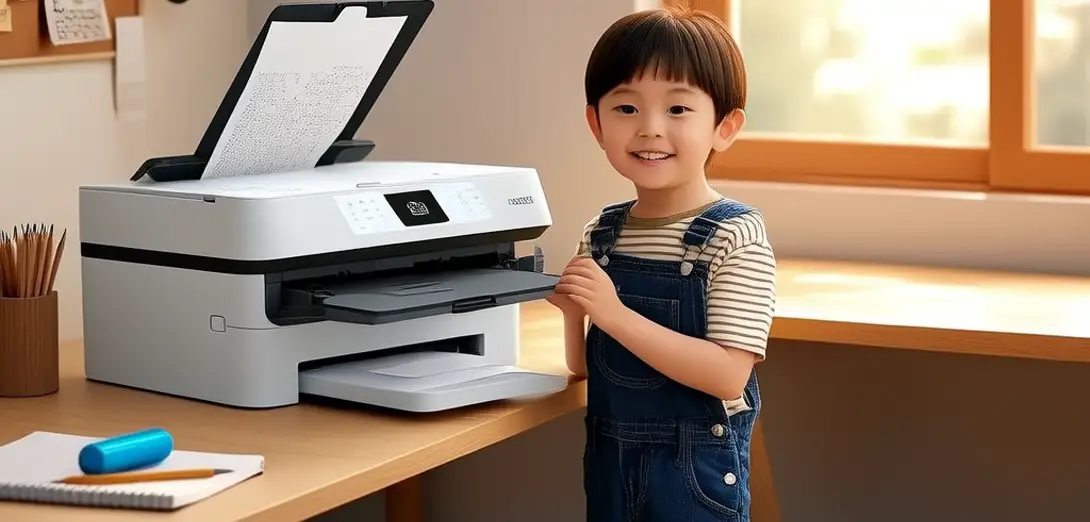
Fixing a Paper Jam and Replacing Ink Cartridges
处理打印机卡纸并更换墨盒
-
My printer stops and shows a 'paper jam' message.我的打印机停止工作,并显示“卡纸”提示。
-
I turn off the machine and open the front cover.我关闭机器并打开前盖。
-
I gently pull out the stuck paper without tearing it.我轻轻拉出卡住的纸张,避免撕裂。
-
I check the rollers and remove any small scraps.我检查滚轮并清除任何碎纸屑。
-
Then I open the ink compartment and lift the old cartridge.然后我打开墨盒仓,取出旧墨盒。
-
I insert the new black and color cartridges firmly.我将新的黑色和彩色墨盒牢固装入。
-
I close the cover and press the power button again.我合上盖子,再次按下电源按钮。
-
The printer runs a quick test and prints fine.打印机运行快速自检,打印正常。